PINGO: Automated PIngs That You Paid
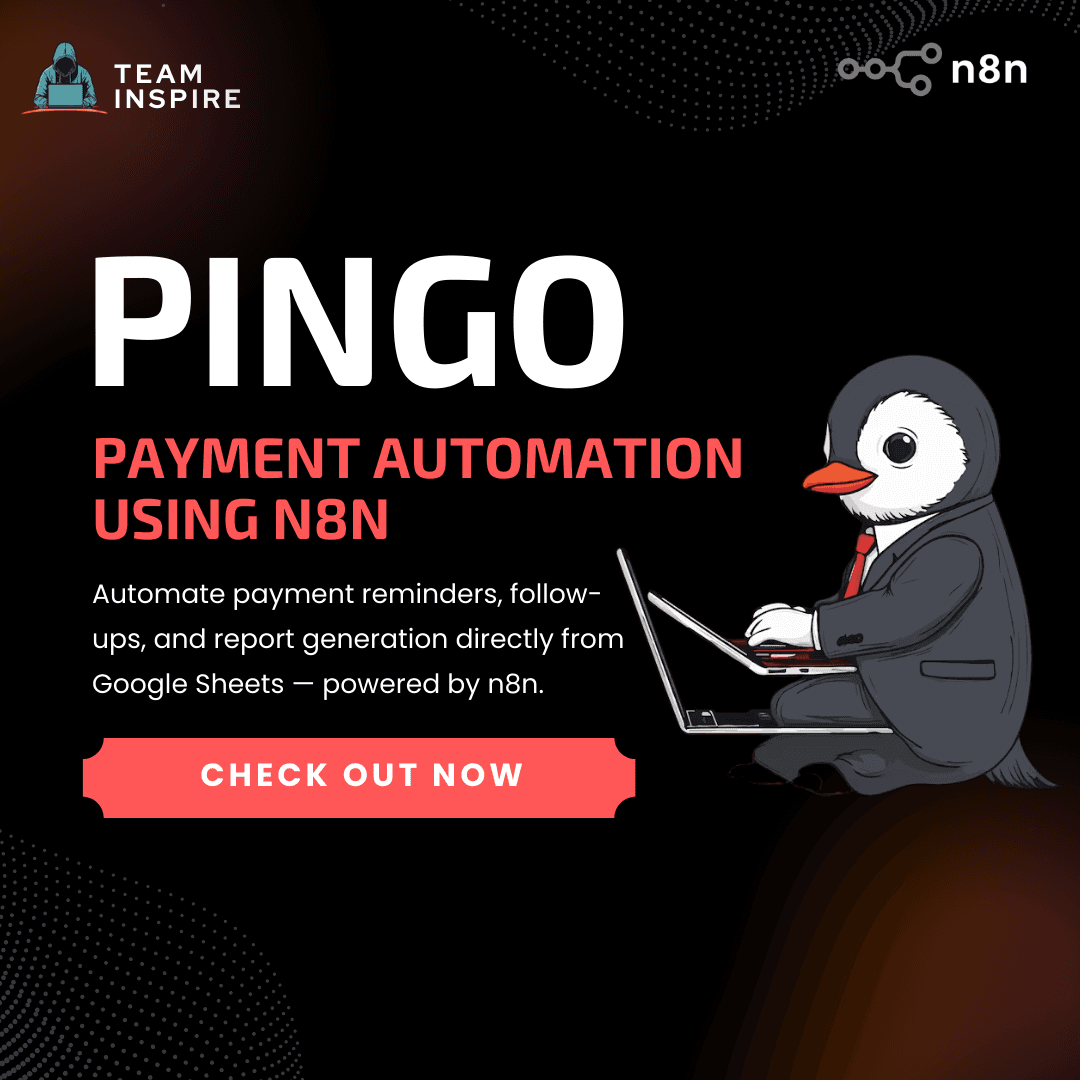
Pingo: Sheet-Native Payment Automation with n8n
Pingo is a lightweight automation system that transforms Google Sheets into a powerful payment operations hub. By integrating a Chrome Extension with the n8n automation engine, Pingo enables businesses to automatically send payment reminders, follow-ups, and reports directly from their invoice sheet — eliminating manual effort, reducing delays, and improving financial workflows.
Why Pingo?
Many small businesses and freelancers rely on Google Sheets to track invoices, but payment follow-ups are often handled manually. This leads to missed reminders, inconsistent communication, and delayed collections.
Pingo solves this by introducing workflow automation directly into the sheet interface. With a single click, users can trigger automated reminders, generate reports, and track payment communication — without needing a backend server or complex infrastructure.
Core Capabilities
Pingo combines sheet-native interaction with workflow automation to streamline the entire payment reminder lifecycle:
Automated Payment Reminders
Send Email and WhatsApp reminders instantly based on invoice data stored in Google Sheets.Sheet-Triggered Automation
Trigger workflows directly from the Chrome Extension, eliminating the need for manual copy-pasting or external tools.AI-Generated Message Templates
Generate context-aware reminder messages automatically, while allowing customization for tone and personalization.Report Generation & Insights
Automatically generate financial summaries, payment status reports, and analytics for better visibility.Workflow Orchestration with n8n
Manage messaging, logging, reporting, and automation logic through flexible n8n workflows.
How Pingo Works
Pingo follows a simple but powerful automation flow:
1. Invoice Source
The user maintains invoice records in Google Sheets.
2. Action Trigger
The user clicks an action (Send Reminder, WhatsApp Message, Generate Report) from the Pingo Chrome Extension.
3. Workflow Invocation
The extension securely sends invoice data to an n8n webhook.
4. Automation Execution
The n8n workflow processes the request by:
Generating reminder messages
Sending Email via Gmail API
Sending WhatsApp messages via WhatsApp API
Logging communication status
Updating sheets or generating reports
5. Confirmation & Logging
All actions are tracked and logged automatically for transparency and reporting.
System Architecture
Pingo uses a modular automation architecture designed for scalability and simplicity:
Google Sheets → Stores invoice and payment data
Chrome Extension → Provides user interface and triggers workflows
n8n Automation Engine → Executes workflows and orchestrates actions
Messaging Services → Gmail API and WhatsApp API for communication
Logging Layer → Updates sheet or database with delivery and payment status
This architecture eliminates the need for a traditional backend server while maintaining full automation capability.
Built With
Frontend: Chrome Extension (JavaScript, HTML, CSS)
Automation Engine: n8n (Workflow orchestration platform)
APIs: Google Sheets API, Gmail API, WhatsApp API
Trigger System: n8n Webhooks
Data Layer: Google Sheets
Example Use Cases
Payment Reminder Automation
Automatically notify customers about overdue or upcoming payments.Payment Confirmation Messages
Send instant thank-you messages once payments are received.Bulk Customer Communication
Send announcements, greetings, or updates to multiple customers.Automated Financial Reporting
Generate revenue summaries and payment tracking reports with minimal effort.
Vision
Our vision with Pingo is to transform Google Sheets from a passive tracking tool into an intelligent automation interface for financial operations. By combining sheet-native interaction with workflow automation, Pingo empowers businesses to improve cash flow, reduce manual workload, and operate with the efficiency of a fully automated payment system — without requiring complex infrastructure.